A customer confirms a new shipment while you’re away from your desk. They need the next available sailing, an updated booking, and confirmation of when their cargo is expected to arrive.
Normally, that request could involve several steps. You check the sailing schedule, access the booking system, confirm the shipment details, and return to the customer with an update. Once the cargo starts moving, you may need to revisit other platforms to monitor its progress.
But what if these activities were accessible from one mobile app?
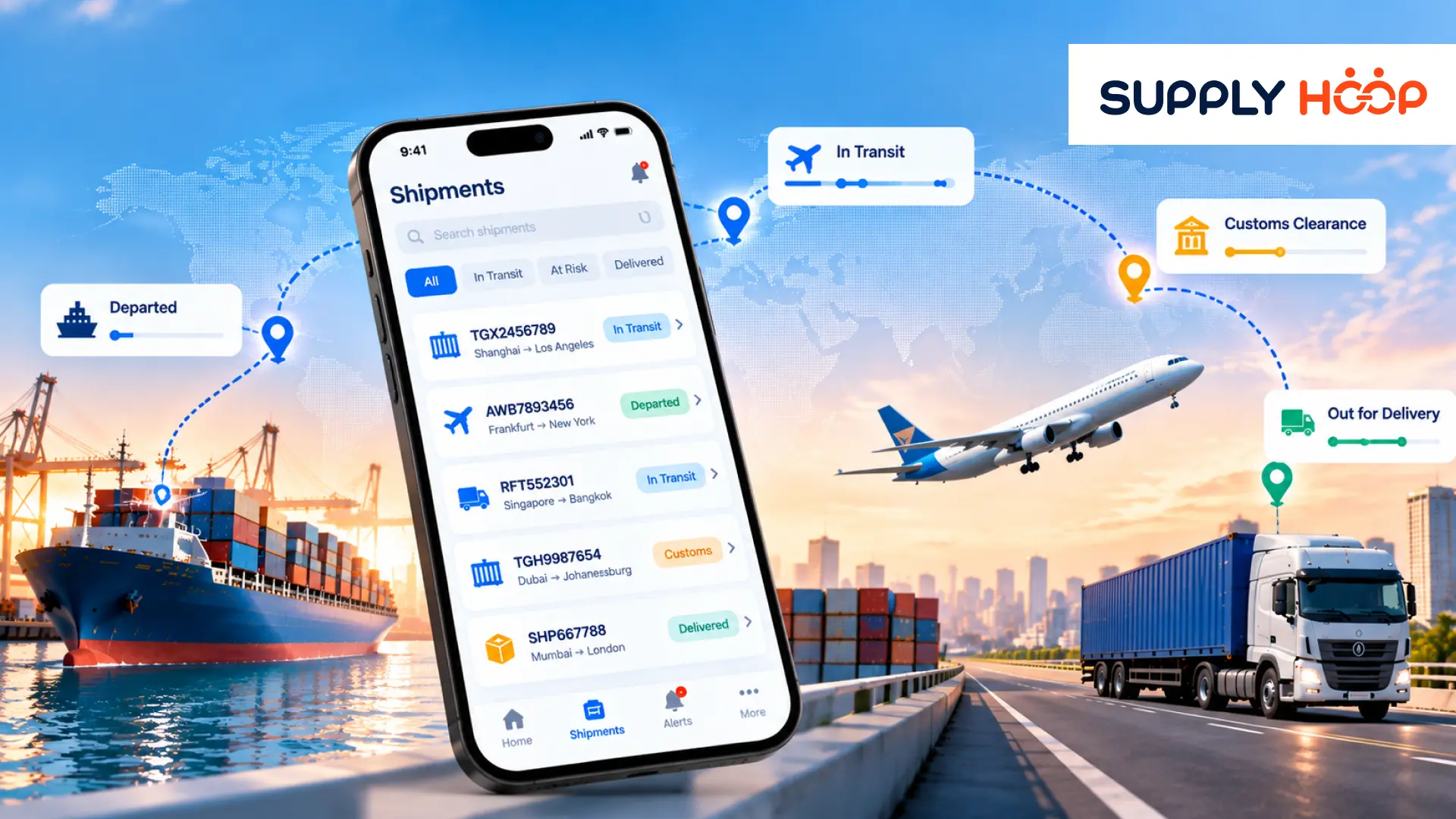
A mobile freight management app brings shipment booking, cargo tracking, sailing schedules, notifications, and communication into a single digital experience. Instead of managing each activity separately, freight forwarders and logistics professionals can access the information and tools they need throughout the shipment journey.
The advantage isn’t simply convenience. It’s the ability to manage everyday shipping activities without depending on a desktop or repeatedly switching between disconnected systems.
1. Start with the Sailing Schedule, Not Another Email
Every successful ocean shipment begins with a workable sailing plan.
Before confirming a booking, freight forwarders need to understand available vessel departures, transit options, port connections, and expected time of arrival dates. These details influence customer commitments, cargo readiness, inland transportation, and warehouse planning.
Traditionally, checking sailing schedules may involve visiting different carrier websites or requesting information from shipping partners.
A mobile sailing schedule inquiry feature makes this process easier by allowing users to search available schedules using origin and destination ports or relevant shipping routes.
For example, a freight forwarder planning a shipment from Shanghai to Los Angeles could review available sailing options before discussing the shipment timeline with the customer.
Instead of waiting until they return to the office, they can begin evaluating available options from their phone.
However, a sailing schedule is not the same as confirmed booking availability. Vessel schedules can change, and space availability must still be verified before a shipment commitment is finalized.
Having convenient access to schedule information simply helps teams begin planning earlier and communicate more effectively.
2. Book Shipments Without Being Tied to Your Desk
Booking is one of the most important steps in the freight forwarding process. It connects the customer’s shipping requirements with the transportation arrangements needed to move the cargo.
A booking typically involves shipment details such as origin, destination, cargo information, preferred transportation dates, and customer references.
When booking tools are available through a mobile app, users can initiate and manage supported shipment booking activities without depending entirely on desktop access.
This becomes particularly useful for freight forwarders who regularly manage repeat shipments.
Imagine a customer shipping similar cargo along the same trade lane every month. Instead of entering all the shipment details again, a mobile booking feature that supports duplicating previous bookings can reuse relevant information.
The user can then review and update the details that have changed, such as shipment date, cargo quantity, or delivery requirements.
This reduces repetitive data entry and makes the booking process more convenient.
It also highlights an important distinction: mobile booking should simplify the process without removing necessary checks. Cargo details, shipping instructions, and booking confirmation still need to be reviewed for accuracy.
3. Follow Your Cargo Beyond the Booking Confirmation
Once a booking is confirmed, the customer’s next concern is whether the shipment is progressing as expected.
This is where mobile Track & Trace becomes valuable.
A shipment may pass through several milestones between origin and final delivery. For ocean freight, these can include cargo receipt, container gate-in, vessel departure, transshipment, destination arrival, customs release, and inland delivery.
Instead of contacting the operations team whenever an update is needed, users can open the shipment record and review the latest available tracking information.
A useful mobile tracking experience should answer three practical questions.
Where is the shipment now? The user should be able to identify its latest recorded location or movement milestone.
What has already happened? Completed milestones help explain the shipment’s progress.
What happens next? Expected arrival information and upcoming milestones help teams prepare for the next stage.
The accuracy and timeliness of these updates depend on the connected carriers, logistics systems, and data sources.
For freight forwarders, having shipment information accessible through a mobile app makes routine tracking easier while supporting more consistent customer communication.
4. Let Push Notifications Highlight What has Changed
There is a difference between having shipment information available and knowing when something important changes.
Consider an ocean shipment scheduled to depart on Friday.
The customer has already planned inventory replenishment around the expected arrival date. The warehouse has prepared its receiving schedule, and inland transportation may be arranged.
Now imagine the vessel departure is postponed.
If nobody checks the tracking system, the revised schedule may go unnoticed until the customer requests another update.
Push notifications help address this problem by bringing relevant shipment events directly to the user’s attention.
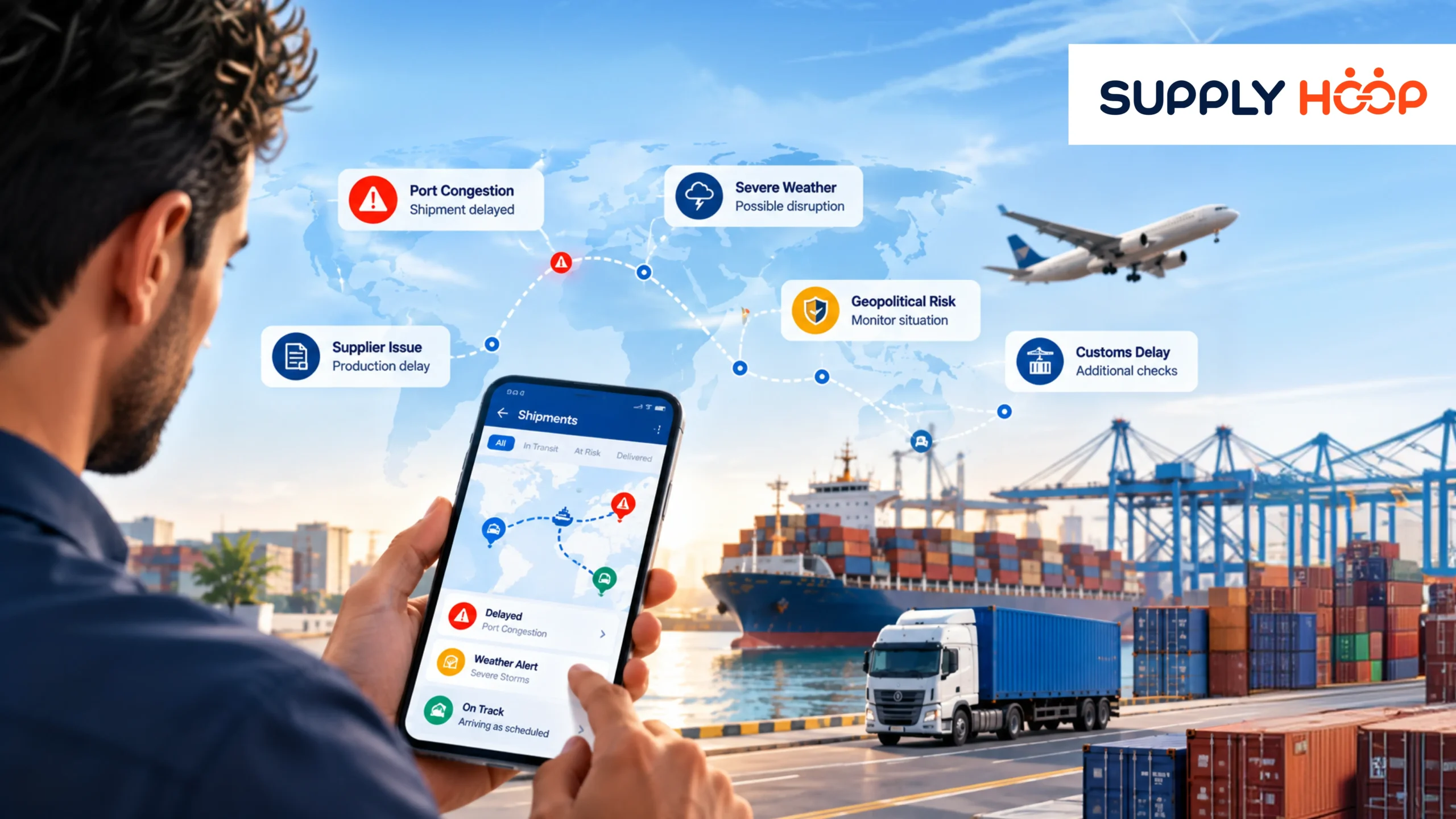
Depending on the available integrations and notification settings, alerts can cover booking updates, vessel departures, schedule revisions, arrival milestones, and shipment exceptions.
Rather than repeatedly opening the app to check every active shipment, users can focus on the changes that require attention.
This is especially valuable for logistics managers handling multiple shipments simultaneously.
A well-designed notification process should also avoid unnecessary alerts. Not every milestone requires immediate action, and overwhelming users with notifications can make important exceptions harder to recognize.
The objective is to communicate meaningful changes at the right time.
5. Resolve Shipment Questions through Live Chat
Even with tracking information and notifications available, some shipment situations require a conversation.
A customer may need clarification about a revised sailing schedule. An operations team member may need help understanding a booking status. A shipment exception may require additional information before the next action can be decided.
In these situations, users should not have to search for contact details or start a completely separate communication process.
A live chat feature within the mobile app provides a convenient channel for reaching the relevant support team.
For example, a user reviewing a shipment may notice that the expected departure date has changed. Instead of leaving the app to draft an email, they can use the available chat function to request clarification.
The benefit is straightforward: the user can move from reviewing information to requesting assistance without unnecessary navigation.
Live chat is particularly useful when questions cannot be answered through tracking milestones alone.
However, effective issue resolution still depends on the availability of support personnel, access to relevant shipment information, and the complexity of the enquiry.
6. Keep Your Active Shipments Organized in One Mobile Profile
Freight forwarders often manage several shipments at different stages of their journeys.
One booking may still be awaiting confirmation. Another shipment may be preparing for departure. A third may be approaching its destination, while another requires attention because of a schedule change.
When these activities are scattered across multiple platforms, even identifying which shipment to check first becomes time-consuming.
A centralized mobile profile provides a more organized starting point.
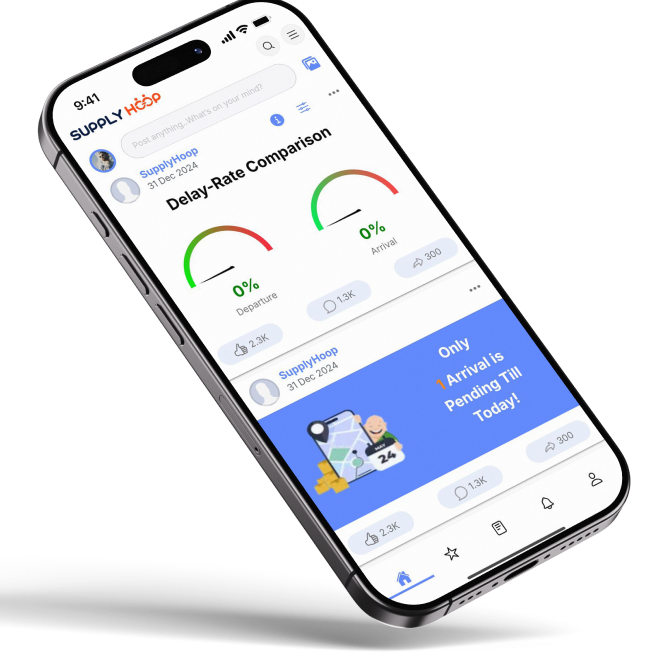
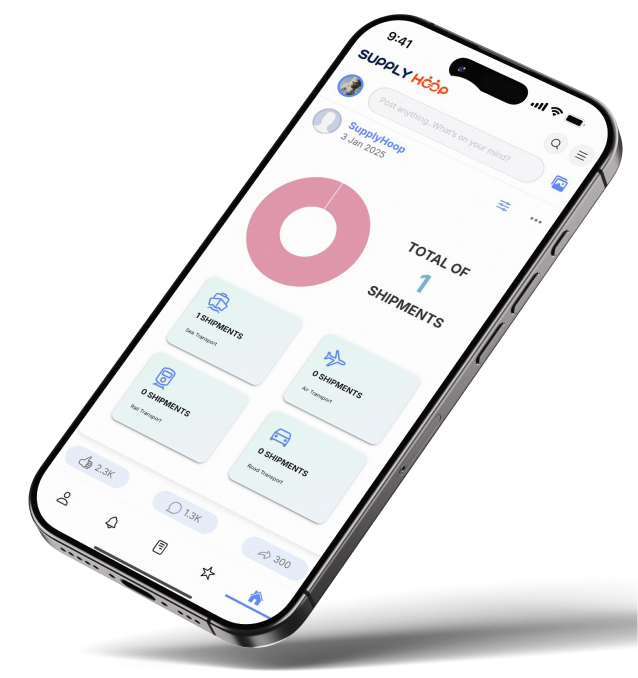
Users can access their relevant shipments, review available booking information, check tracking progress, and identify important updates without beginning a new search every time.
For example, a logistics manager could review upcoming departures in the morning, check in-transit cargo during the afternoon, and respond to a customer enquiry while attending a meeting.
The app becomes a convenient access point for everyday shipment management rather than another disconnected tracking tool.
7. Connect Mobile Shipment Management with Existing Logistics Systems
A mobile freight management app is most useful when it works alongside the technology already supporting freight operations.
Freight forwarders may rely on CargoWise for shipment management, ERP platforms for business information, carrier systems for transportation milestones, and other applications for documentation or delivery updates.
A connected mobile platform can bring relevant information from these systems into a more accessible environment.
For businesses using CargoWise, Supply Hoop provides a mobile-first approach to accessing connected logistics information.
Rather than replacing existing operational systems, the objective is to make important shipment details and updates easier to access while supporting collaboration across logistics teams and customers.
Features such as booking and sailing schedule inquiry should be evaluated against the platform’s available integrations and supported workflows, since not every mobile visibility solution provides the same transaction capabilities.
This distinction matters when selecting a mobile logistics platform. Businesses should assess whether they need shipment visibility alone or a broader solution that also supports booking-related activities, schedule inquiries, notifications, and communication.
What should You Look for in a Mobile Freight Management App?
Choosing the right mobile application starts with understanding how your team currently manages shipments.
A freight forwarder that handles frequent ocean bookings may prioritize sailing schedule access and repeat booking functionality.
A customer service team may place greater value on shipment tracking, milestone visibility, and notifications.
An operations manager may need quick access to shipment exceptions and a convenient way to communicate with colleagues or support teams.
Before choosing a solution, consider whether the application supports your existing logistics systems, provides relevant shipment information, offers appropriate user access controls, and makes everyday tasks easier to complete.
It is also worth checking how frequently shipment information is updated and which features depend on specific carrier or system integrations.
The best mobile experience is not necessarily the one with the most features. It is the one that reduces unnecessary steps in the workflows your team performs every day.
Conclusion: Manage the Shipment Journey, Not Just the Tracking Number
Freight management involves much more than knowing where cargo is located.
It begins with finding a suitable sailing schedule, continues through booking and transportation, and requires ongoing communication until delivery is completed.
A mobile freight management app can make these activities more accessible by bringing shipment information, tracking milestones, notifications, and communication into one convenient environment.
For logistics businesses, the real opportunity is to reduce the effort required to move between everyday shipping tasks.
With Supply Hoop’s mobile-first supply chain visibility approach, freight forwarders can access connected shipment information, stay informed about important changes, and collaborate more conveniently while continuing to use their existing logistics systems.
Want to make freight information easier to access wherever your team works? Book a demo and explore how Supply Hoop can support end-to-end supply chain visibility through a connected mobile experience.